
What is ReelVault?
In short
ReelVault turns folders of movies and shows on your own computer into a library you can browse and stream to any screen in your home — with posters, descriptions, subtitles and resume. You do not need to be a programmer to run it.
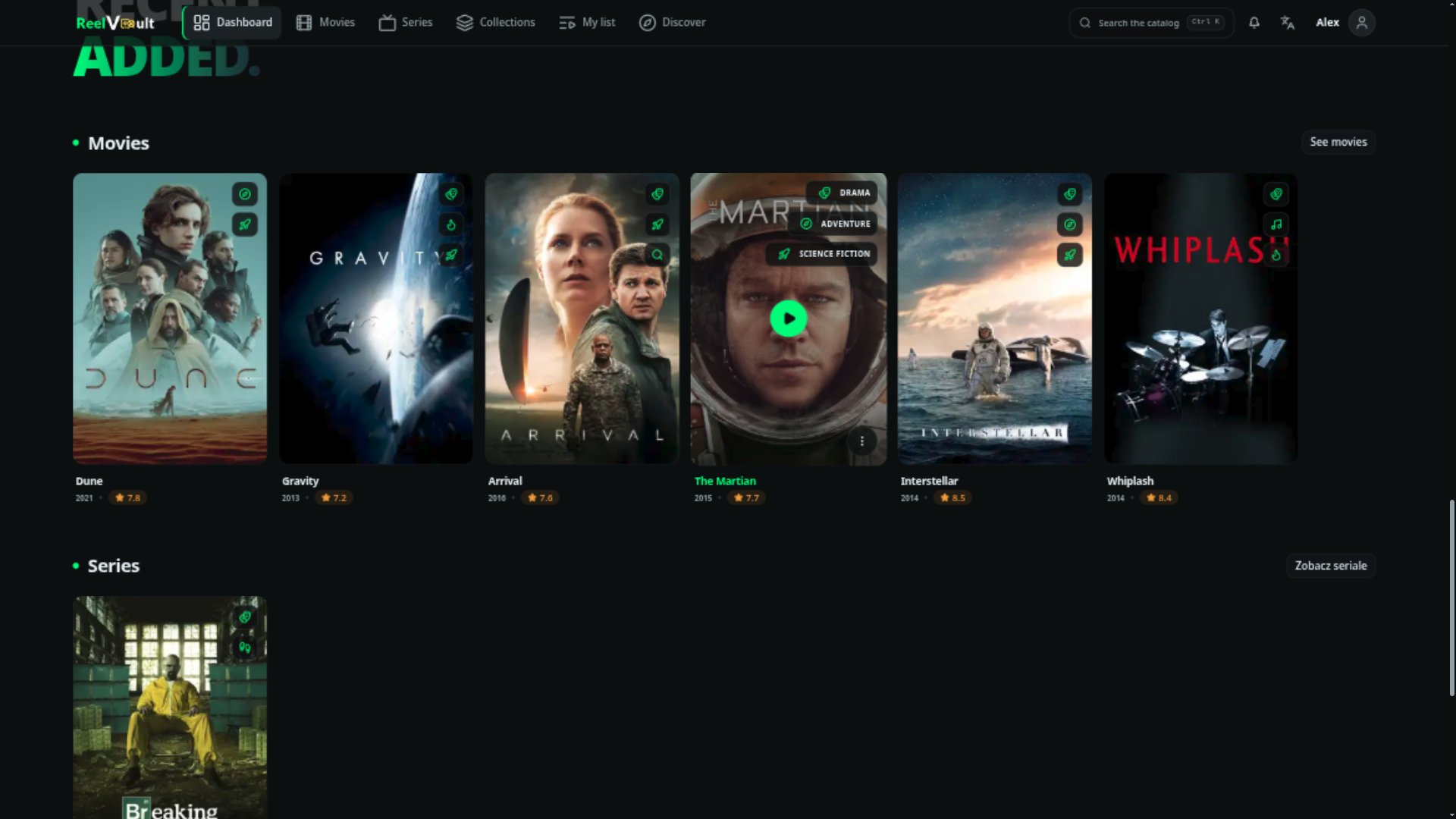
ReelVault is a media server you run yourself. Point it at the folders where your movies and shows live, and it builds a library you can browse and stream — in a browser, on your phone, on a TV or in the desktop app.
It is the same idea as Jellyfin or Plex, built from scratch on Bun and Elysia. It is meant for a household or a small circle of friends on their own hardware, not as a paid hosted service.
What it does
- Streaming — the server looks at each file and picks the cheapest way to play it: stream it untouched when the device understands it, repackage it when only the wrapper is wrong, or convert it on the fly when it has to. Playback resumes where you stopped. (Unsure about the words? See the Glossary.)
- Hardware acceleration — if your computer has a graphics card that can convert video (Intel, NVIDIA, AMD, Apple), ReelVault finds it, checks it works, and falls back to software when a file trips it up.
- HDR — detects HDR10, Dolby Vision and HLG, and converts them for screens that cannot show HDR.
- Libraries — new files are noticed automatically, series are grouped into seasons and episodes, and several versions of the same title can sit side by side. Intro, credits and recap markers are supported.
- People — accounts and viewing profiles, so everyone gets their own resume points, watchlist, ratings and audio/subtitle preferences. Admins can see and stop active streams.
- Plugins — almost everything source-specific is a plugin: metadata (TMDB, OMDb…), subtitles, requests, webhooks, extra pages. See Installing plugins to add some.
- Operations — an admin panel with dashboards, a background job queue, ffmpeg diagnostics, live sessions, notifications, rate limiting, an audit log and rotating logs.
How the pieces fit together
                    ┌──────────────────────────────┐
                    │        reelvault             │
                    │  Bun + Elysia, SQLite, ffmpeg│
                    │  HTTP API · HLS · plugins    │
                    └──────────────┬───────────────┘
                                   │ HTTP + WebSocket
              ┌────────────────────┼────────────────────┐
              │                    │                    │
      ┌───────▼───────┐   ┌────────▼────────┐   ┌───────▼────────┐
      │   Website     │   │ Tauri desktop   │   │ Plugin UI      │
      │ (browser SPA) │   │ (same build)    │   │ (pages/slots)  │
      └───────────────┘   └─────────────────┘   └────────────────┘
The server owns everything that matters: reading your files, deciding how to stream them, and remembering where you stopped. The apps you watch in are thin — they ask the server and show the answer.
The website is the app you open in a browser. It also ships as a desktop app from the same code, and it renders whatever plugins add to the interface.
Plugins run inside the server and inside the app. Installing one is an administrator action — that is the trust boundary.
Which path are you on?
I just want to watch. Start with Install & run, then First-run setup. Everything outside the Administration group is for you, and you can ignore the rest.
I run the server. The same start, plus the Administration pages for configuration, remote access, backups and logs.
I want to build something. The Develop section covers the SDK and writing plugins. You do not need to read the self-hosting pages first.
Where the code lives
| Repository | What is inside |
|---|---|
| reelvault | The server |
| sdk | The typed TypeScript SDK, published to npm as @reelvault/sdk |
| website | The web and desktop client (React, Vite, TanStack, Tauri) |
| plugins | First-party plugins and the catalog manifest |
| reelvault.org | This documentation site |
Next steps
- Install & run — get a server up.
- Web & desktop clients — connect a screen.
- Installing plugins — install your first plugin.
- Glossary — any word you are unsure about.