
Artwork & descriptions
In short
Posters, descriptions and ratings come from metadata plugins. Install TMDB or OMDb, add your API key, and scan your libraries.
Install a metadata provider
| Plugin | Source | You need |
|---|---|---|
| TMDB Metadata Provider | The Movie Database | An API key from TMDB |
| OMDb Metadata Provider | OMDb, with IMDb data | An API key from OMDb |
- Go to Admin → Plugins and open the catalog.
- Open TMDB Metadata Provider and press Install.
- Open the plugin's settings and paste your API key. Save it. The key is stored on your server and never shown again. A Set badge shows that it is saved.
- Scan your libraries.
You can install both providers. Set their order for each library in the library's settings.
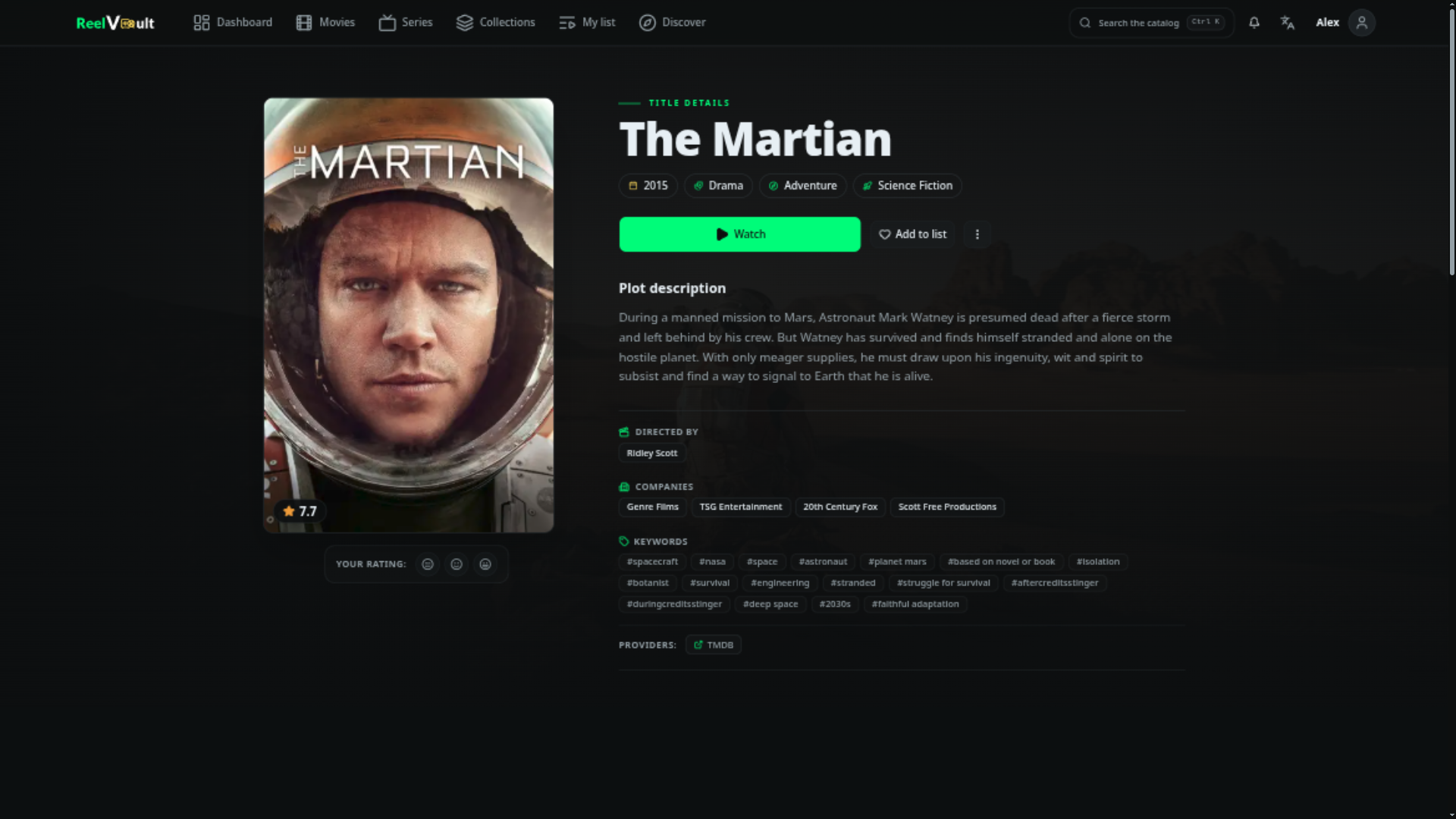
Language and provider order
Each library has its own settings:
- Metadata language. Titles, plots and episode names are fetched in this language.
- Provider order. ReelVault tries the providers in this order.
How matches are chosen
ReelVault compares the title in a file name with the results from your providers. It accepts a match only when the score is above the minimum set in metadata.minMatchScore (default 0.45). Files without an acceptable match appear under Needs attention on the library card. See Adding your media.
Fix a wrong match
- Open the file's page from the title's menu, and press Re-identify.
- Choose the right title from the results.
- Fields you locked keep their values. To replace them too, turn on the switch that overwrites locked fields.
Admins can also open the title in the admin Metadata list and use Identify from there.
Name the file with an ID
If a file matches the wrong title every time, put its provider ID in the file name, such as Heat (1995) [tmdbid-949].mkv. See Naming your media.
Hide rating badges
Rating badges on poster cards can be hidden for a lighter grid. It is a profile setting, so each profile chooses for itself.
Next steps
- Adding your media: scan the folders, then review Needs attention.
- Naming your media: the patterns that match best.
- Plugins: manage the providers.