
Backups & upgrades
For server administrators
You only need this page if you look after the machine. It is worth a few minutes: a backup is the difference between a hiccup and losing your library history.
In short
Back up the server's data folder — or at least reelvault.sqlite, secrets.env and plugins/. Upgrades replace the app only; your accounts, libraries and watched state survive.
What lives where
Everything the server owns sits in ROOT_DIR (default ./data, /data in Docker):
data/
├── reelvault.sqlite   # database: libraries, metadata, users, progress
├── secrets.env        # BETTER_AUTH_SECRET (+ SETUP_TOKEN when enabled, 0600)
├── plugins/           # installed plugins and their config.json
├── images/            # cached artwork
├── transcodes/        # temporary, safe to delete
├── downloads/         # offline copies
├── artifacts/         # generated artifacts (trickplay, chapters)
├── backups/           # database backups
└── logs/              # server logs
Your media lives wherever you mounted it — the server never moves or rewrites it unless a library uses sidecar metadata (see Adding your media).
Backups
For most people, backing up is: stop the server and copy ROOT_DIR, or at least reelvault.sqlite, secrets.env and plugins/. That preserves everything needed to stand the server back up, including plugin settings.
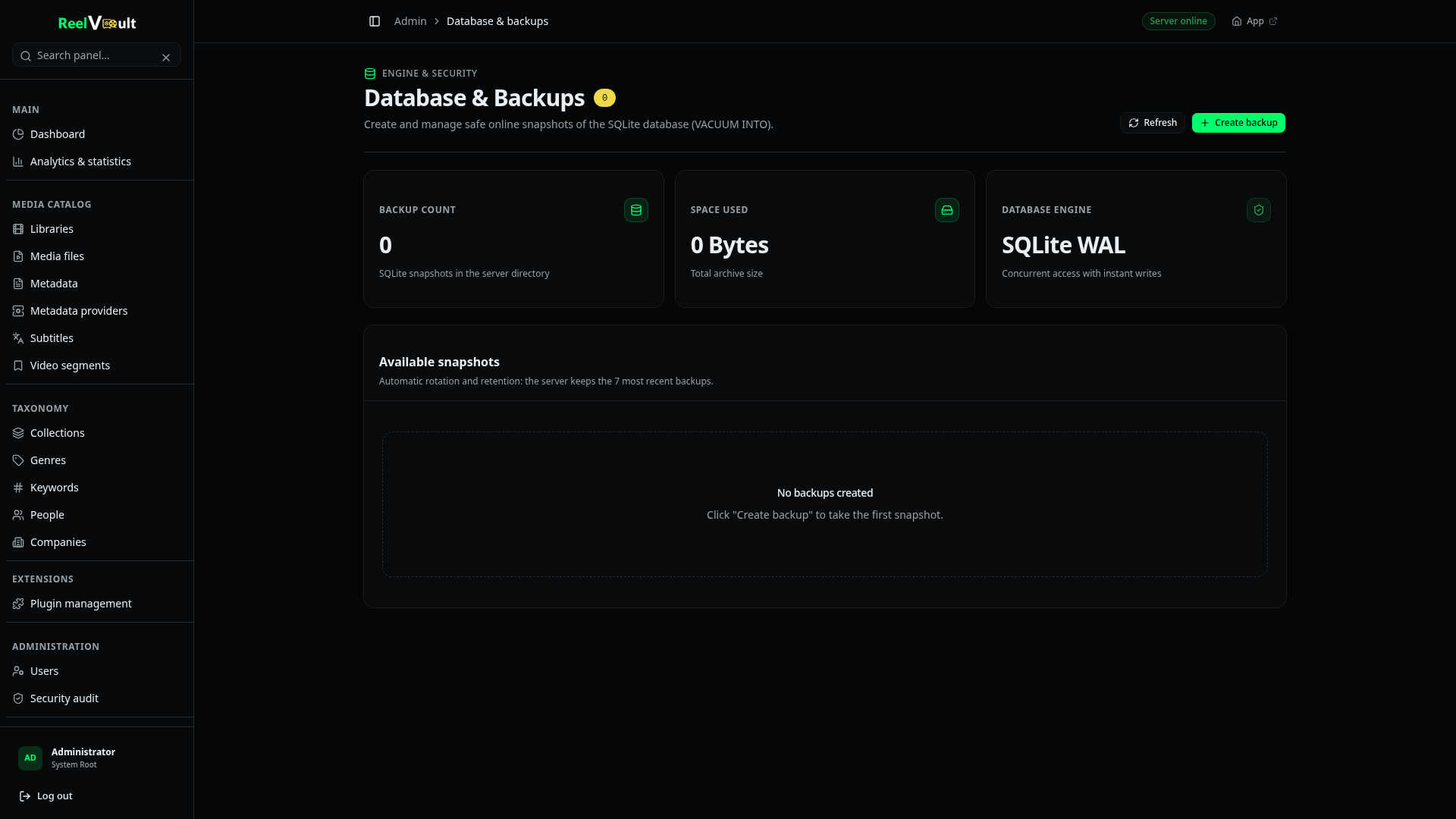
You can also take a database backup from Admin → Database, which snapshots the database without stopping the server. Keep the file somewhere outside ROOT_DIR.
Keep secrets.env
transcodes/, images/ and logs/ can be regenerated — skip them to keep backups small. secrets.env cannot: without BETTER_AUTH_SECRET, existing sessions become invalid, and without the matching SETUP_TOKEN, a fresh server is unconfigured.
Upgrades
Upgrades only ever replace the app — everything in ROOT_DIR (accounts, libraries, watched state, settings) survives.
Docker
docker compose pull
docker compose up -d
If your secrets are generated, they live in /data/secrets.env in the volume, so they survive too.
Installers and archives
bash install.sh --upgrade      # Linux — replaces the app, keeps data
.\install.ps1 -Upgrade         # Windows — same
For a manual archive install: download the new archive and unpack it over the old folder — data/ is left untouched.
From source
git pull
bun install
bun dev   # or: bun start
Database migrations run automatically at start, before the server accepts requests. To apply them separately:
bun run db:migrateRead the release notes before a major upgrade, and take a backup first — rollback means restoring ROOT_DIR.
Updating plugins
Update from Admin → Plugins → Available: an installed plugin shows an update action when a newer version exists in its catalog. Updates follow the same path as a fresh install — download, verify, replace, reload. No restart.
To roll a plugin back, open it in Available and install an older release from its revision history.
Moving to a new machine
- Stop the old server.
- Copy
ROOT_DIRto the new machine (includingsecrets.env). - Install the server there and point
ROOT_DIRat the copied folder. - Update the media paths if they differ.
- Start it — same data, same accounts, same sessions.