
Users & profiles
In short
An account is someone who can sign in. A profile is a viewing identity inside an account, with its own resume points, watchlist and preferences — like profiles on a streaming service. One account can hold several.
Accounts
Manage them in Admin → Users.
- Create a user with a name, email and password.
- Roles — an
adminaccount can open the admin panel and change the server; regular users cannot. - Edit a user, reset their password, or delete them.
- Sessions — every signed-in device is listed; revoke any session individually, or all others at once.
The first administrator is created during first-run setup. They can then create everyone else — or enable self-registration, so people can sign themselves up.
Two-factor authentication
Each account can enable TOTP from its user settings, and gets backup codes for when the authenticator is unavailable. Admins can also require it for new accounts.
Profiles
Manage profiles from the profile menu, or from a user in Admin → Users.
- Name and avatar identify the profile in the interface.
- PIN (4–8 digits) locks a profile so children, roommates or guests cannot open it.
- Preferences — preferred audio and subtitle language, appearance, and playback defaults. The server uses these when choosing tracks.
- Watched state, ratings, watchlist and progress are all per profile, so two people sharing an account do not overwrite each other.
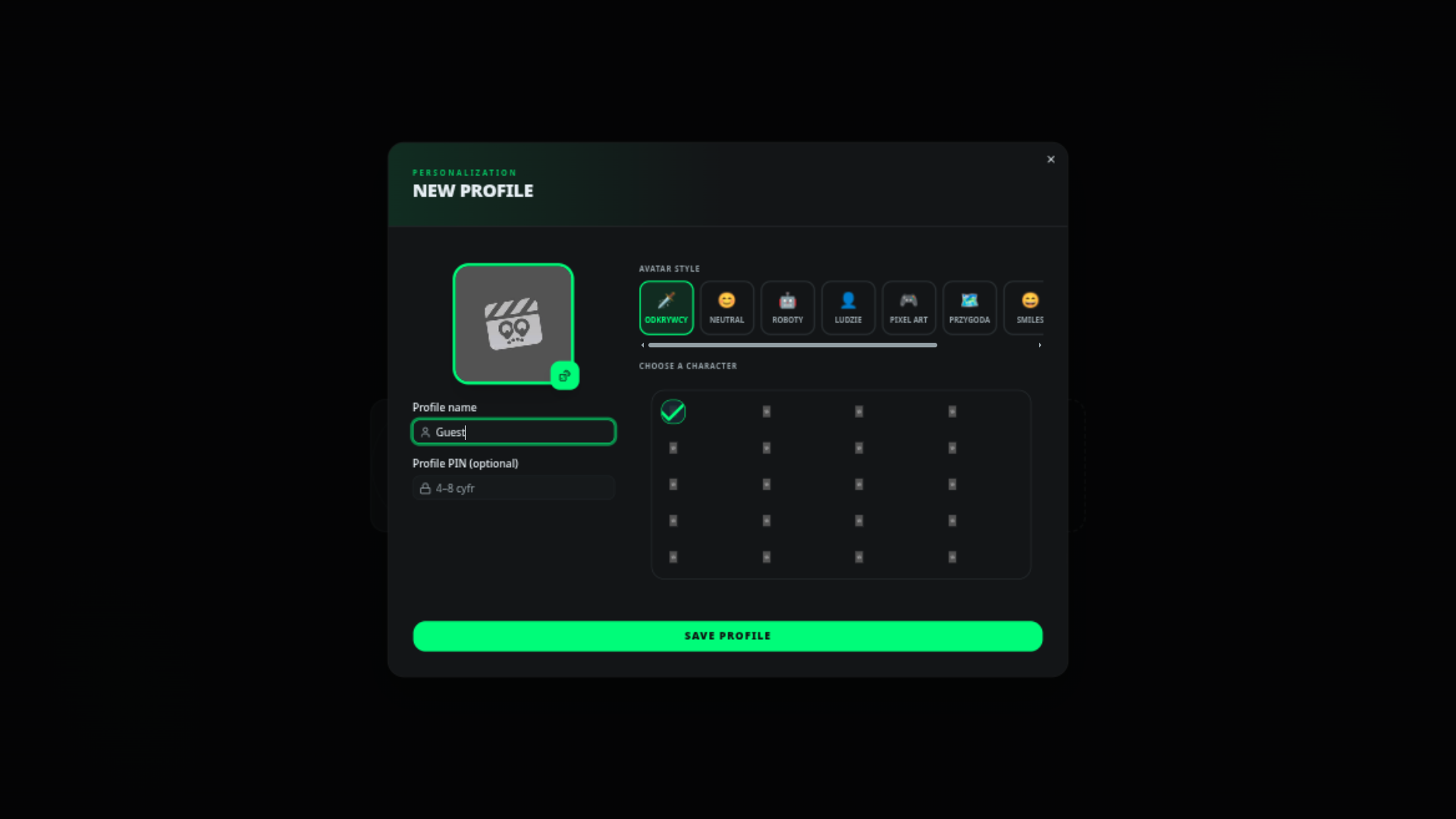
Devices remember the last profile used; the profile picker appears after sign-in.
Who can do what
Regular users can browse, stream, keep a watchlist and request titles (if a plugin like Media Requests is installed). Anything that changes the server — libraries, providers, users, plugins, logs — is behind the administrator role.
For finer rules such as parental controls or watch quotas, an access-policy plugin can allow or block a play request. That is a developer topic; see Access control.
Next steps
- Web & desktop clients — connect more devices.
- Playback & quality — quality, subtitles and resume.
- Remote access & TLS — for administrators.