
Artwork & descriptions
In short
ReelVault ships no metadata of its own. Posters, plots, cast and ratings come from providers — plugins such as TMDB or OMDb. Install one or two from Admin → Plugins → Available, and titles fill themselves in.
Everything you see about a title — its name, description, poster, cast and ratings — comes from providers. Providers are plugins, so the first step is installing the ones you want. The official catalog has TMDB and OMDb to start with.
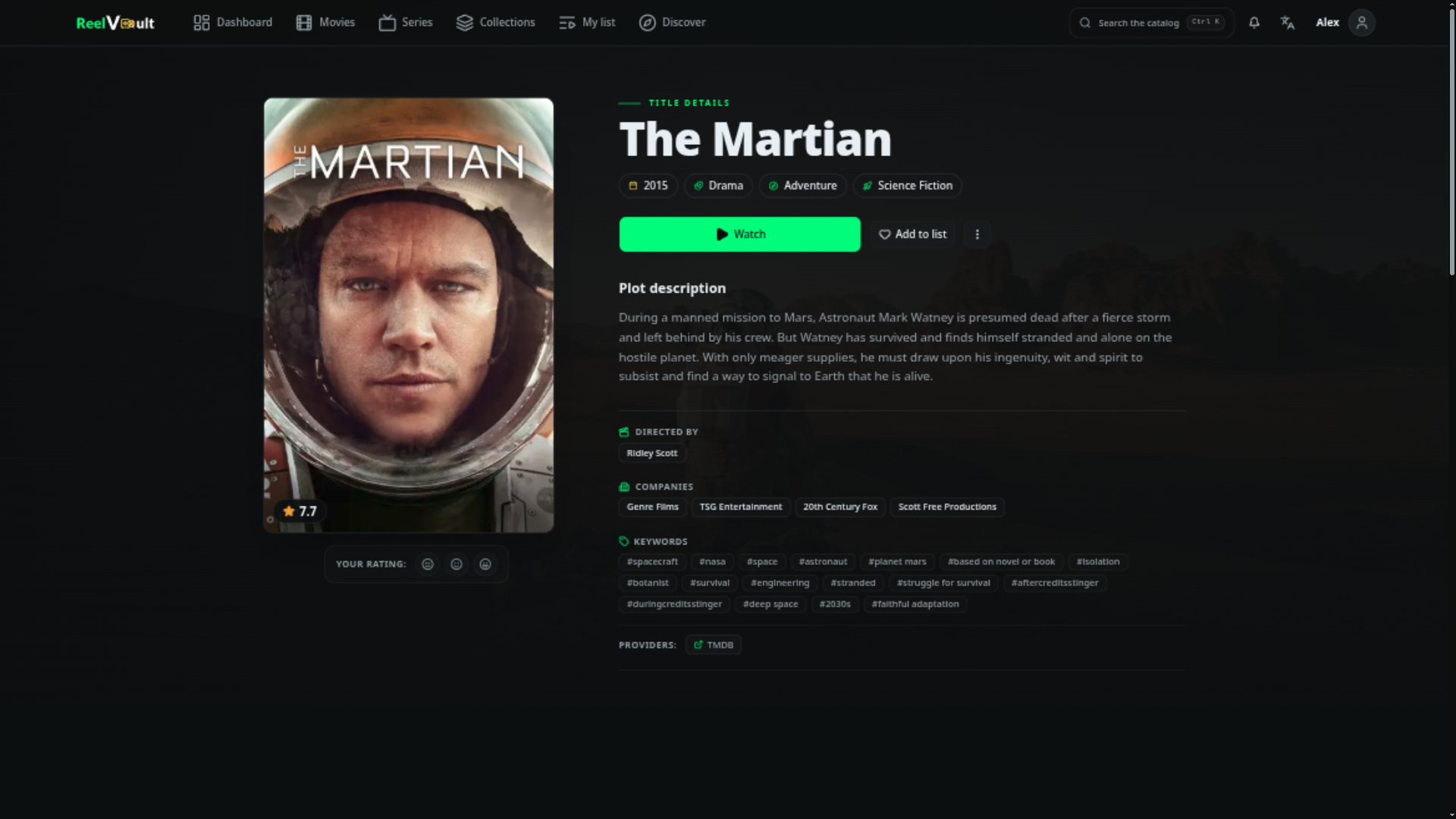
Managing providers
Manage them in Admin → Metadata providers:
- Enable / disable a provider.
- Reorder them — lower in the list means higher priority.
- Configure each one — API keys and language live in the plugin's settings.
Fixing a wrong match
Recognition starts from the file and folder names. When the guess is wrong:
- Open the title in Admin → Metadata.
- Use Rematch to search providers again and pick the right entry.
- For stubborn cases, link a provider id manually, or merge two entries that should be one.
The Identify flow is also available from the file view in Admin → Media files.
Artwork
Titles usually arrive with a poster and backdrop. On the title page you can:
- Choose a different image from the options the providers returned.
- Upload your own.
- Refresh images to pull the latest set.
Images are cached on disk and resized for the interface, so the cache will not grow without bound.
Discover
The Discover page is built from providers that offer curated feeds — trending, popular, upcoming, top rated, and so on. If Discover looks empty, install or enable a provider that supports it.
Collections and taxonomies
Admin → Collections, Genres, Keywords, People, Companies let you curate what metadata connects. You can rename, reorder collections, refresh a person's filmography, and remove entries pulled in by a bad match.
Advanced
For administrators and tinkerers
The details below are only useful when you care how sources are combined or want to automate cleanup.
How sources are merged
When a file is identified, the server asks every enabled provider for details and merges the answers by priority:
- Single values and artwork (title, overview, poster, cast, genres…) — the highest-priority provider with a value wins; lower-priority ones only fill blanks.
- Ratings — collected from all providers and de-duplicated by source, so OMDb's IMDb, Rotten Tomatoes and Metacritic scores can all appear next to each other.
For series, seasons and episodes are requested from each associated provider using that provider's own id, so a show can be anchored in one source while episodes come from another.
Keeping metadata tidy
- Refresh metadata re-imports details for a title or a whole selection.
- Delete orphan metadata removes entries that no longer have any media files.
- A metadata refresh can be scheduled from Admin → Background jobs if you want it to happen regularly.
Next steps
- Playback & quality
- Installing plugins
- Metadata & subtitle providers — for plugin authors.