
Web app
In short
Open the server's address in a browser and start watching. A native mobile app is in development and not released yet.
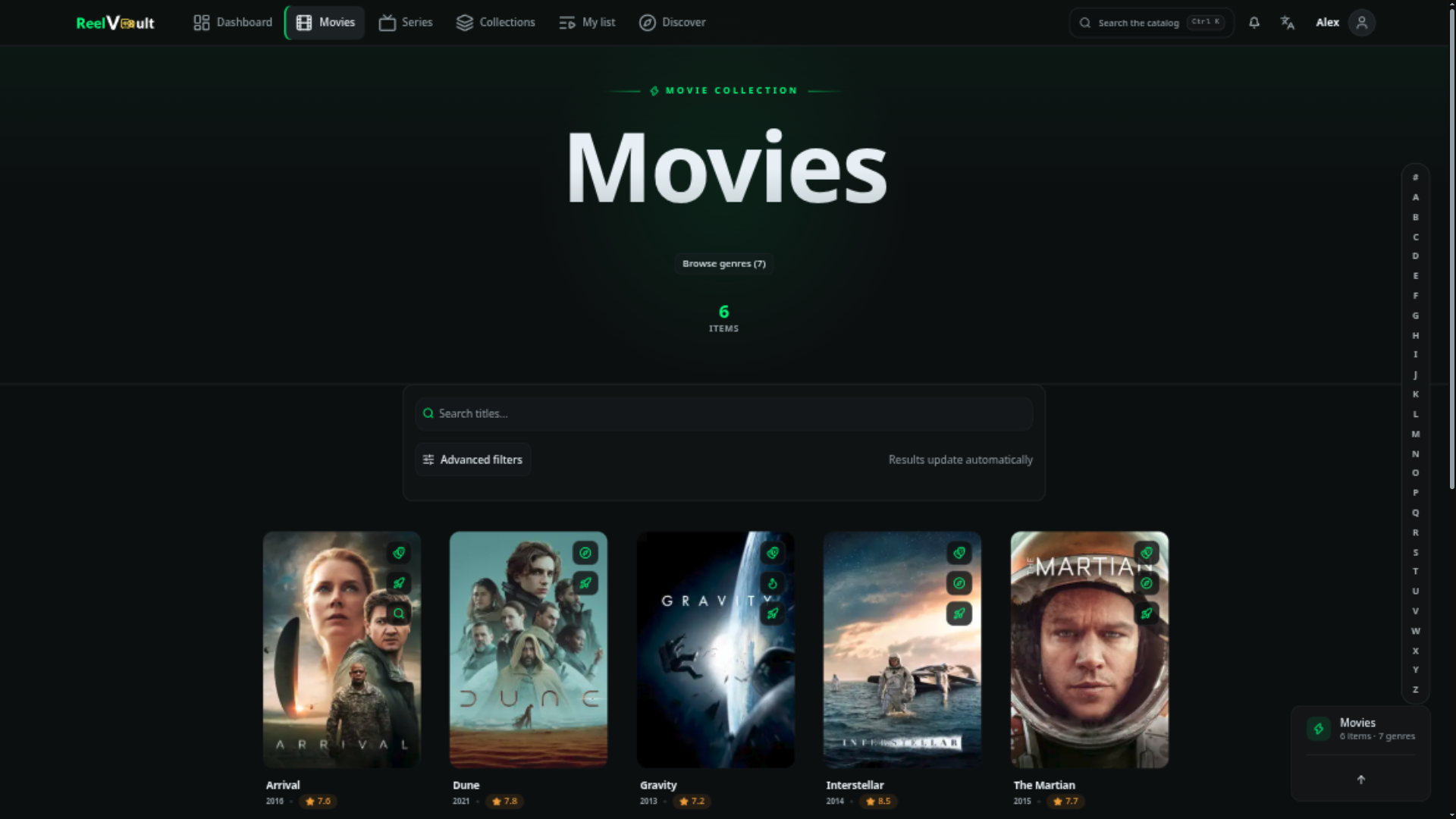
Browser
Go to http://<server>:3030. The server serves the app and the API from the same address. Use a current version of Chrome, Edge, Firefox or Safari.
Phone and tablet
Open the server's address in your phone's browser. The layout adapts to the screen. On phones, dialogs slide up from the bottom, and buttons are large enough for a thumb.
Watching away from home
ReelVault works best on your home network. The simplest safe way to reach it from outside is a VPN:
- Tailscale or WireGuard connects your phone to your home network.
- Your server stays private, with no ports open to the internet.
To publish ReelVault on the internet with HTTPS, follow Remote access.
Finding your way around
| Page | What it shows |
|---|---|
| Dashboard | Continue watching, recently added titles and more |
| Movies and Series | The whole library, with filters and an A–Z index |
| Discover | Titles from the metadata catalog |
| My list | Your watchlist, with search and sorting |
| Downloads | Offline copies, their status and the storage they use |
Search the catalog from the search box at the top, or press Ctrl + K.
Watching
- Resume. Your position is saved for each profile, so you can start on a TV and finish on your phone.
- Skip buttons. When a file has intro, credits or recap markers, a skip button appears.
- Next episode. The next-episode button works on phones too.
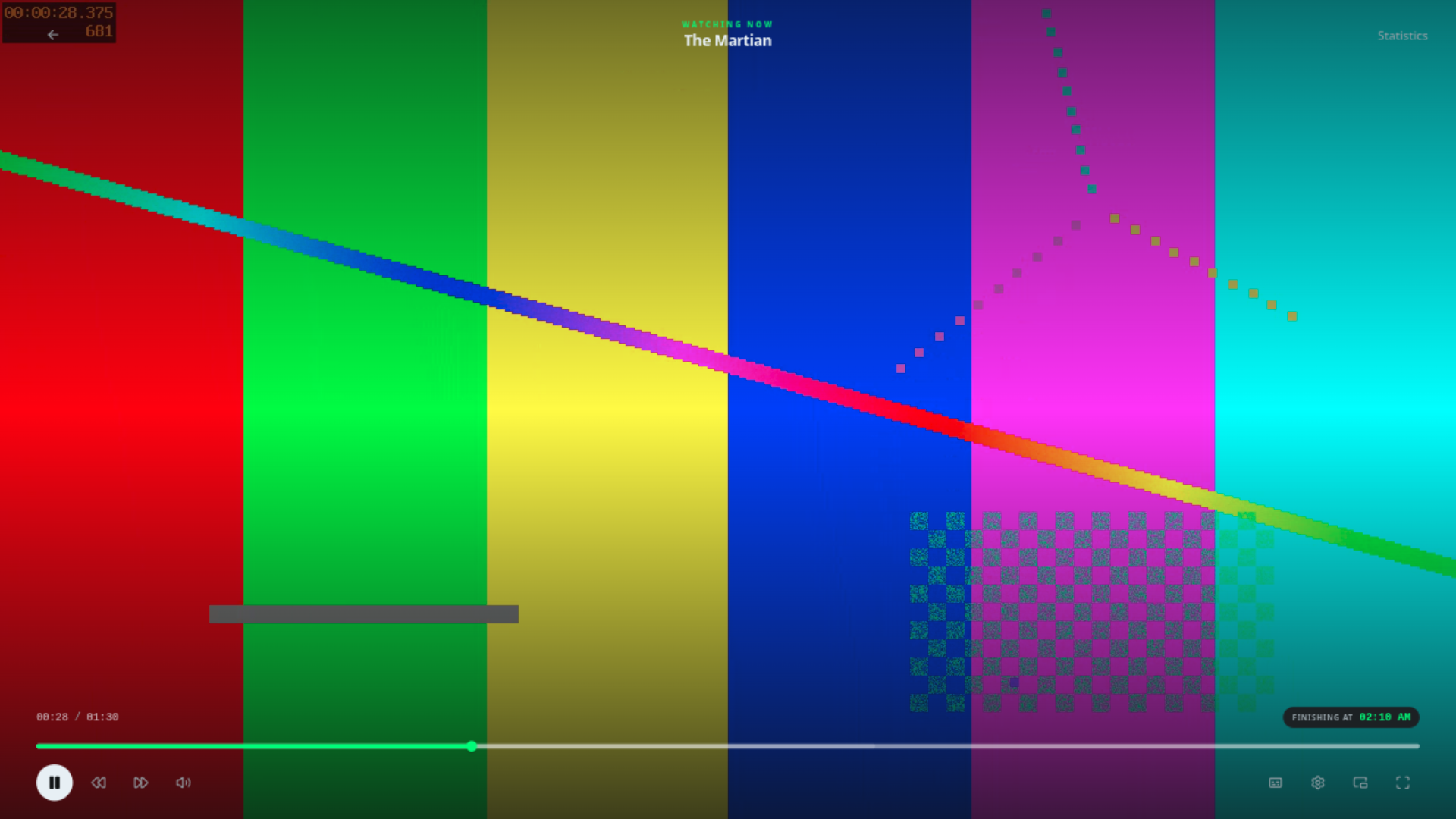
See Playback for quality, subtitles and the sleep timer.
Your account
Open your avatar in the top-right corner:
- Settings: playback, password and other preferences.
- Devices: the devices where you are signed in.
- Notifications: messages from the server and from plugins.
- Two-factor: turn on 2FA and regenerate backup codes.
Next steps
- Playback: quality, subtitles and resume.
- Users & profiles: accounts for a household.
- Remote access: for administrators who want internet access.